

// Case study — Productised service
AddressClerk
Getting new-build addresses found on Google Maps.
LIVE Live service
- Role
- Service design and build
- Platform
- Web app + marketing site
- Stack
- SvelteKit · Supabase · Stripe
- Status
- Live service
- My part
- Service design, pricing model, brand, customer journey, operations software, payments and hosting.
- Note
- Google decides whether and when a correction is accepted. AddressClerk is independent and not affiliated with Google.
01 — The problem
New-build addresses and roads can be missing or misplaced on Google Maps, so deliveries and visitors go astray. Most people face it once, and the correction process is left to them.
02 — What I built
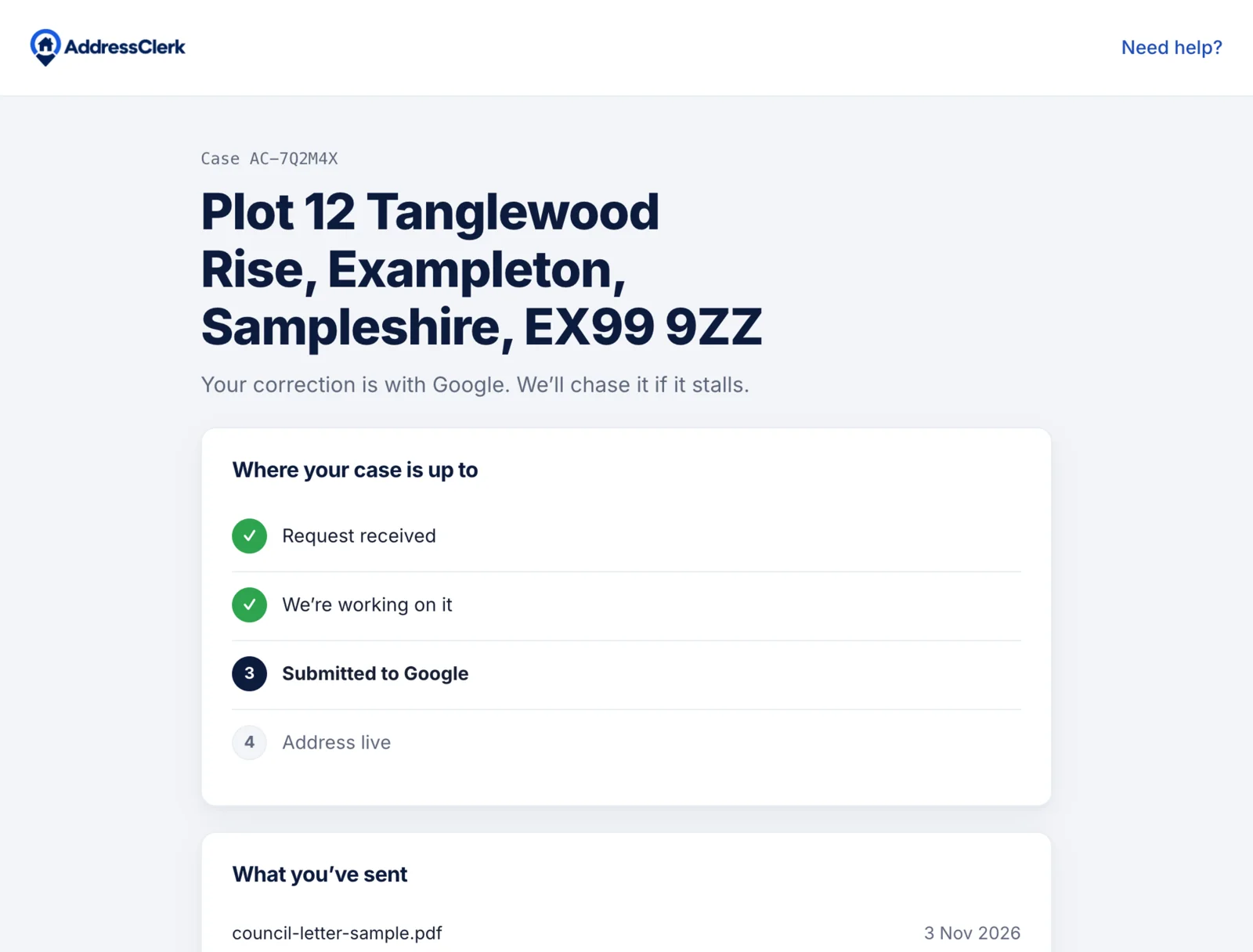
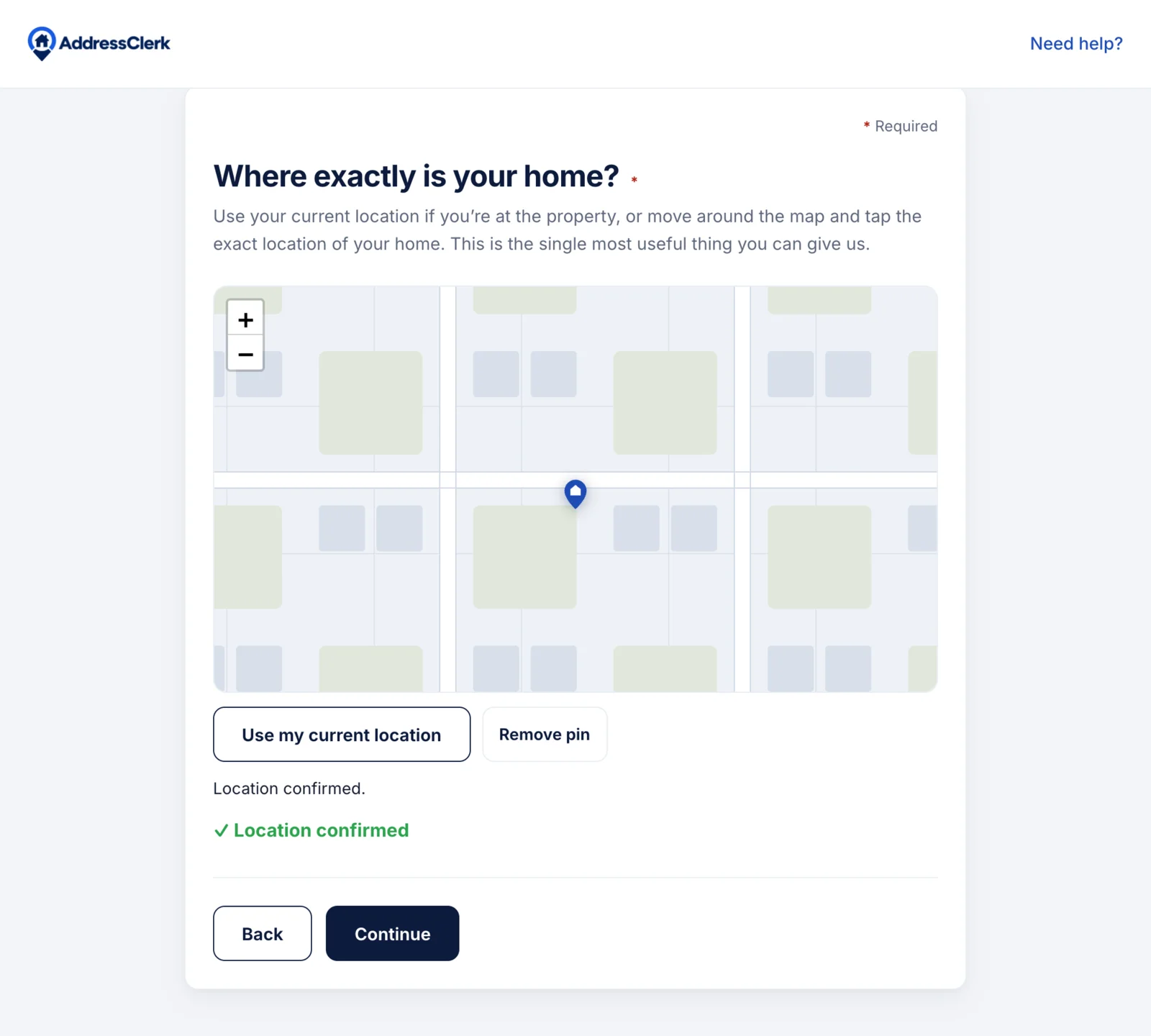
A one-off paid service. A homeowner enters their official address, pins the exact spot on a map and answers a few questions. They see whether standard or complex applies before paying, then follow the case by private link and email, with no account.
03 — Where it stands
Live and open for new cases, with the marketing site and the operational app deployed separately. Google decides whether corrections are accepted, so the service never promises an outcome.
// Decisions that mattered
A person submits
Software handles intake, payment and tracking; a person handles the correction itself.
No account
Customers use it once, so each case lives behind a private link.
Price before checkout
Short questions set standard or complex up front, so there is no surprise later.
// Next step
Next step
See AddressClerk for yourself, or tell me what you want to build, who it is for and where you are now.